
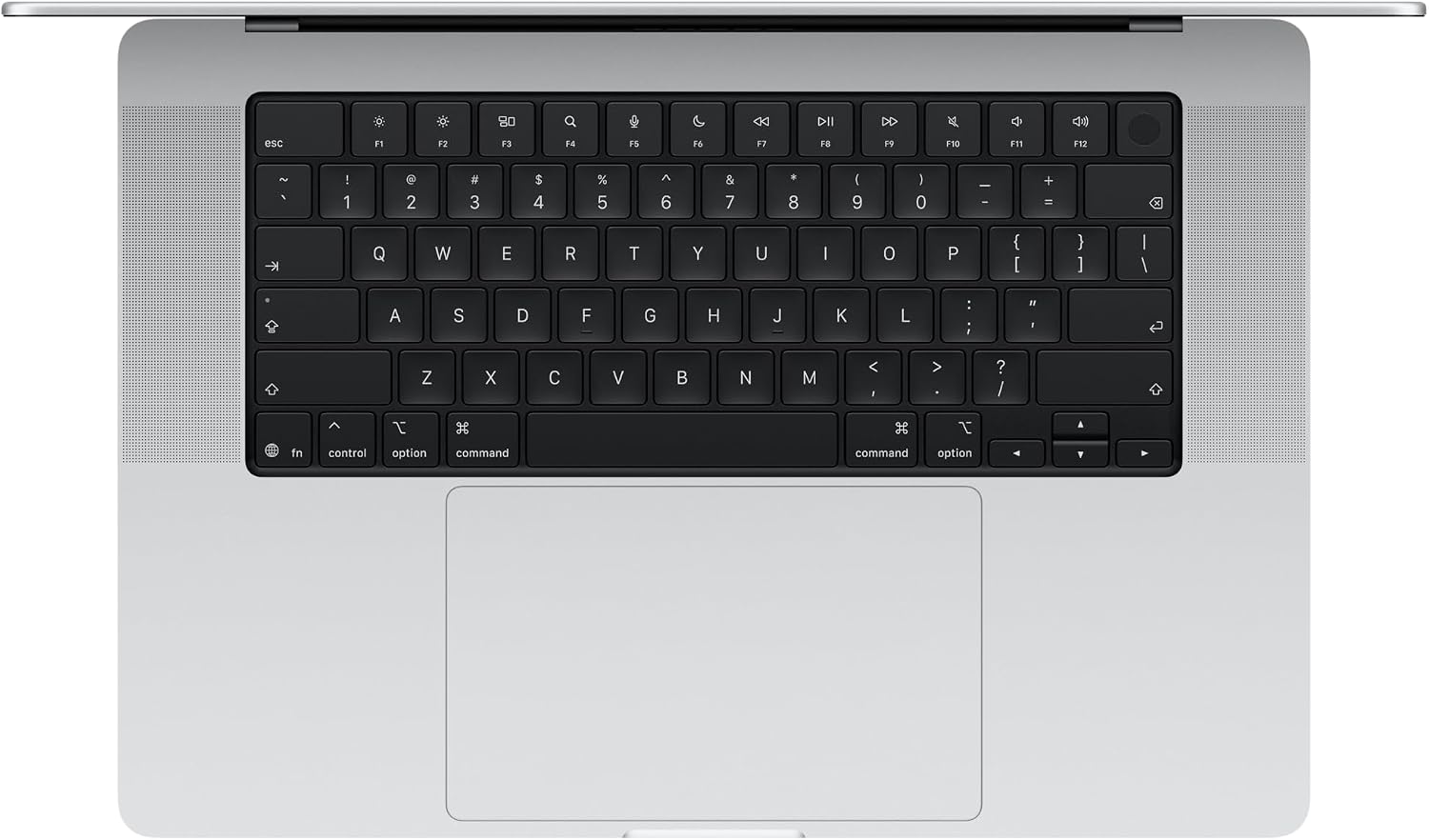


Price: $3,999.00
(as of 2026-11-10 20:41 GMT+0000 – Details)

Display Technology
The 16.3‑inch PROLED XDR panel uses a tandem OLED architecture that delivers up to 2000 nits of peak brightness for both HDR and SDR content. A contrast ratio of 10,000,000:1 and support for the P3 and Adobe RGB color spaces give the screen a very wide gamut, making it suitable as a portable reference display for filmmaking, design work, and scientific visualization. The panel’s high brightness and deep blacks aim to preserve detail in highlights and shadows without the need for external calibration hardware. Physical dimensions of 14 × 0.63 × 9.62 inches and a weight of 4 pounds keep the device relatively compact for a 16‑class notebook.
Multi‑Touch Interaction
Multi‑Touch gestures add a direct manipulation layer to professional workflows. Users can scroll, pinch‑to‑zoom, rotate, and draw on‑screen, which is useful when navigating large timelines, inspecting 3D models, or annotating high‑resolution images. The touch surface is designed to respond with low latency, so interactions feel immediate rather than delayed. While touch can accelerate certain tasks, it does not replace a precision pointing device for fine‑grained editing, and extended use may increase fingerprint smudges on the high‑gloss display.
Performance with M5 Pro and M5 Max
Both the M5 Pro and M5 Max integrate a Neural Accelerator into each GPU core and feature enhanced shader cores. This architecture is intended to accelerate on‑device AI inference and graphics‑heavy workloads such as real‑time rendering, video effects, and large‑scale simulations. The M5 Pro supports up to three external displays, while the M5 Max extends that to four, providing flexibility for multi‑monitor setups. Actual throughput will depend on the specific software optimizations and thermal conditions of the chassis.
Battery Life and Power Management
The system claims up to 22 hours of battery life under typical usage, and Apple states that performance remains identical whether the machine is plugged in or running on battery. This consistency is achieved through power‑aware scheduling on the Apple silicon SoC, which can throttle or boost cores without user intervention. Real‑world endurance will vary with screen brightness, workload intensity, and active wireless radios, so the quoted figure represents a best‑case scenario rather than a guaranteed minimum.
On‑Device AI and Apple Intelligence
Apple silicon is engineered for demanding on‑device AI tasks, including running large language models and custom agents, while maintaining high power efficiency. Apple Intelligence integrates these capabilities across the operating system and apps, emphasizing privacy by processing data locally. Siri receives an AI‑enhanced upgrade, becoming more conversational and context‑aware across applications. The practical benefit hinges on developer adoption of the new APIs and the size of models that can fit within the unified memory configuration.
macOS Features and Dynamic Island
macOS runs productivity and professional applications with low latency thanks to the unified memory architecture. Dynamic Island appears at the top of the screen, surfacing Live Activities such as timers, media playback, and system status, while Spotlight remains accessible for rapid file and web searches. These UI elements aim to reduce context switching, though their utility depends on individual workflow preferences and the extent to which third‑party apps expose Live Activity data.
Audio, Camera, and Connectivity
The six‑speaker system pairs force‑cancelling woofers for deeper bass with tweeters that shape dispersion for clarity across listening positions. A 12 MP Center Stage camera keeps the user centered during video calls by automatically cropping and panning. Connectivity includes three Thunderbolt 5 ports, a MagSafe 3 charging port, an SDXC card slot, HDMI, a 3.5 mm headphone jack, and the Apple‑designed N1 wireless chip supporting Wi‑Fi 7 and Bluetooth 6. The port selection covers most professional peripheral needs, though the absence of legacy USB‑A may require adapters for older devices.
Security and Privacy
FileVault provides full‑disk encryption automatically, protecting data at rest. Touch ID enables fingerprint‑based unlocking, payment authorization, and app sign‑in without passwords. The system includes built‑in antivirus protections and receives free, automatic software updates to address vulnerabilities. These layers work together to reduce attack surface, but security posture also relies on user practices such as strong account credentials and cautious handling of third‑party software.